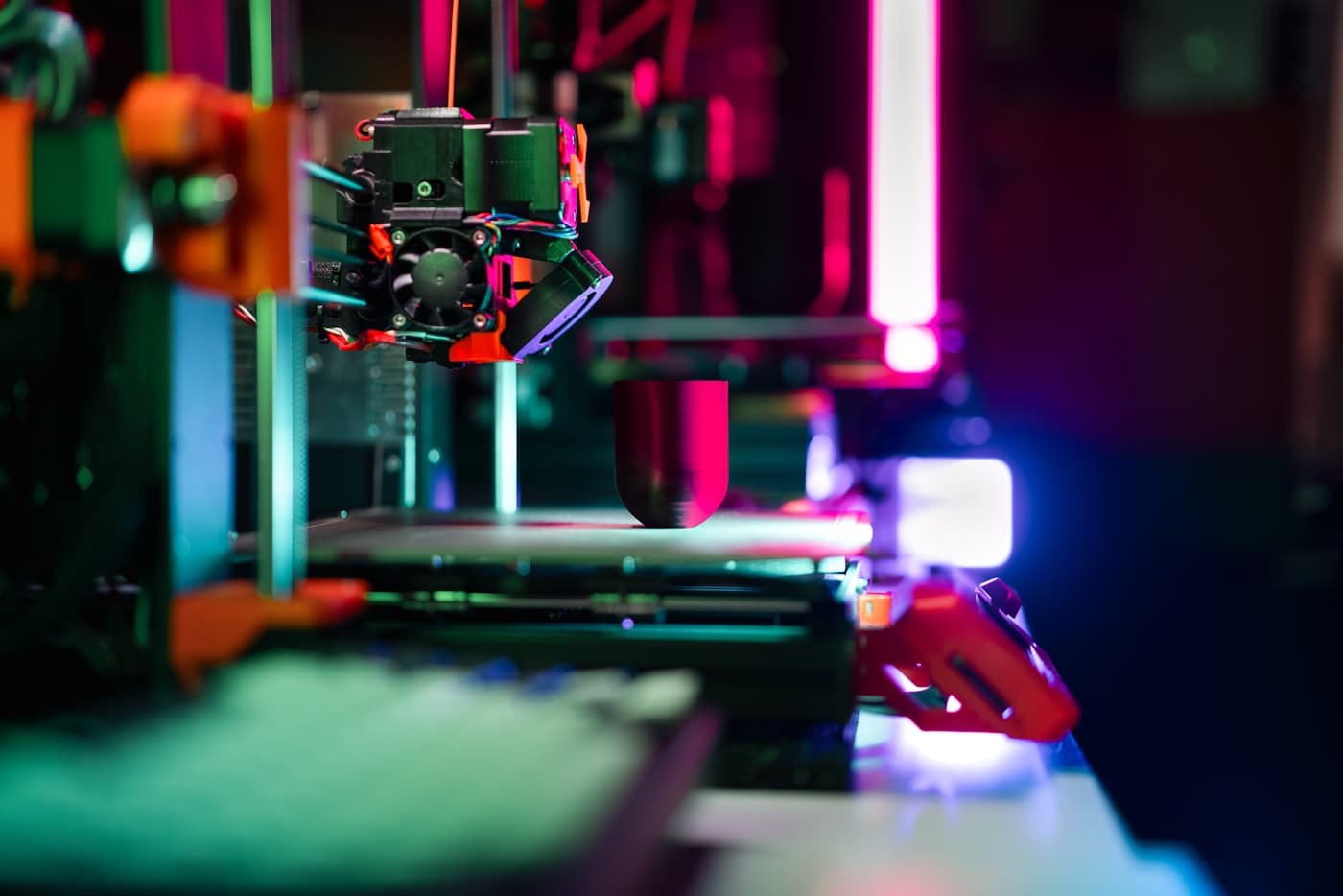
AI-Powered Print Optimization
for Every FDM 3D Printer
Works with 70+ printersfrom Bambu Lab, Creality, Prusa, Elegoo, Anycubic & more
Choose Your Plan
Optimize every printer you own — or try a single report first.
Unlimited Monthly
Unlimited AI optimization reports for all your FDM 3D printers. Early Bird price locked forever.
47 early bird spots remaining
- Unlimited reports every month
- All your printers covered
- Every filament type
- Priority processing
- Price locked forever
- Cancel anytime
Single Report
Just want to try? Get one personalized AI optimization report for a single printer.
Launch price — limited availability
- 1 personalized report
- Any FDM printer brand
- Every filament type covered
- Actionable step-by-step tips
- Results in minutes
- Money-back guarantee
How It Works
Three simple steps to better prints
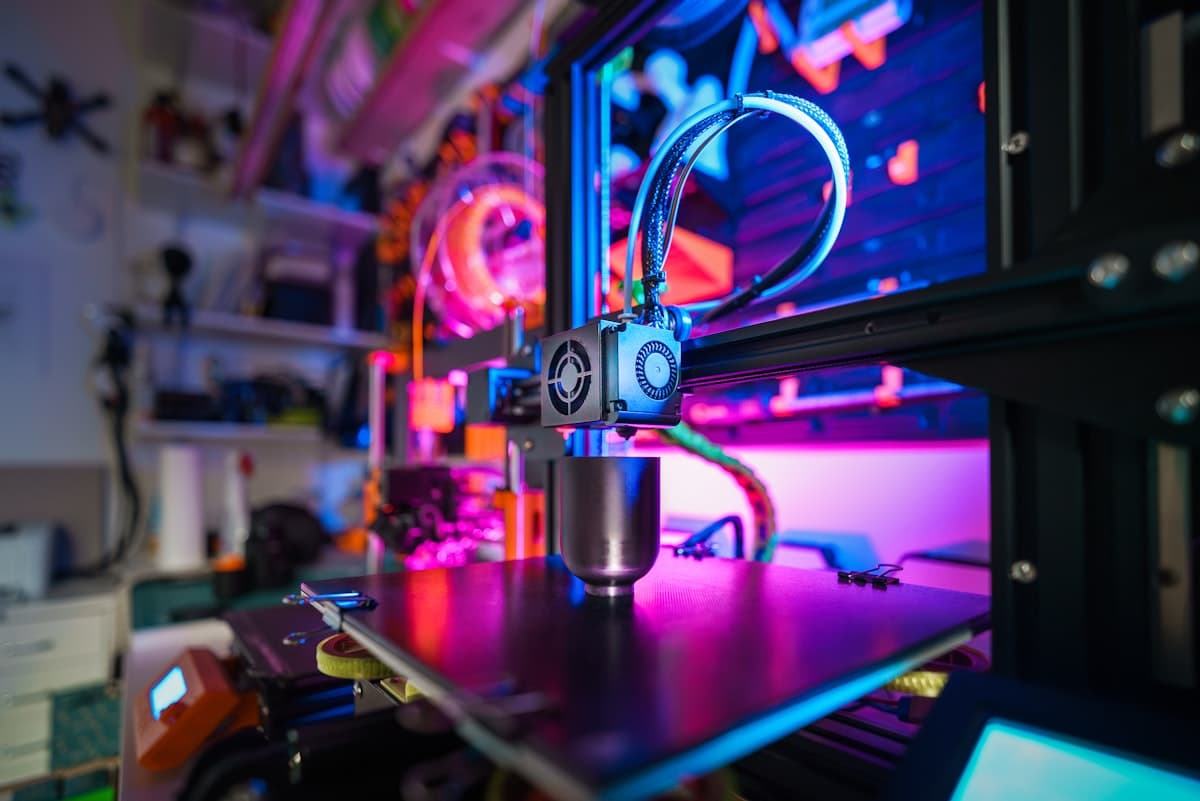
Upload Your Print Settings
Export your slicer profile or paste your print parameters — layer height, speed, temps, retraction, and more. Works with Bambu Studio, Cura, PrusaSlicer, OrcaSlicer, and others.
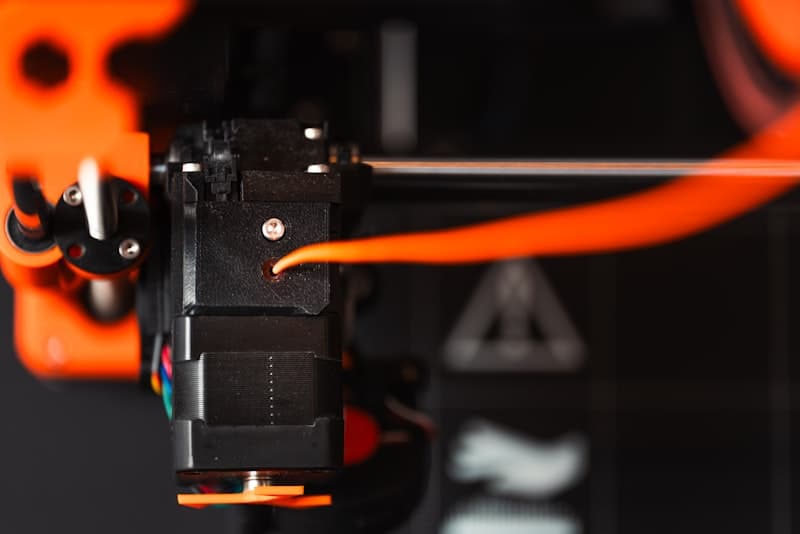
Our AI Analyzes & Optimizes
We compare your settings against community-validated recommendations for 65+ printer models and identify what's costing you filament, time, and quality.
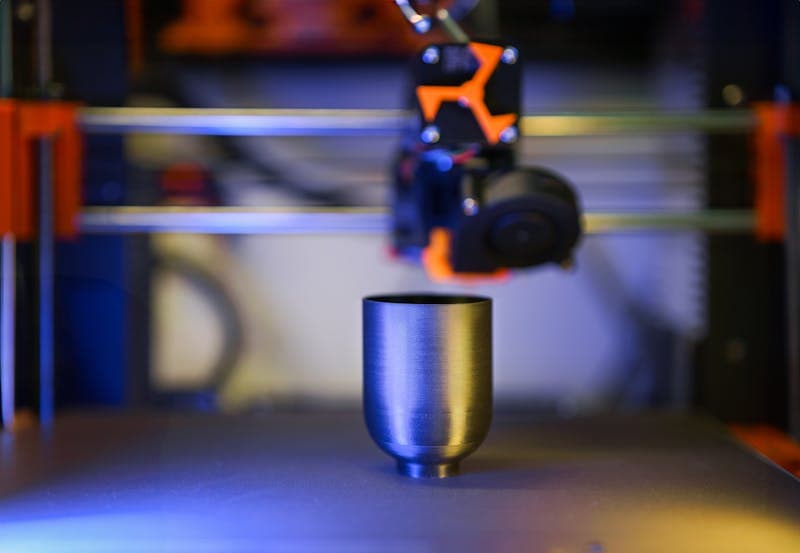
Get Your Personalized Report
Receive actionable, step-by-step recommendations tuned to your specific printer, filament type, and print goals.
Works with All Major FDM Brands
From budget to pro — we optimize settings for every desktop 3D printer under $5,000
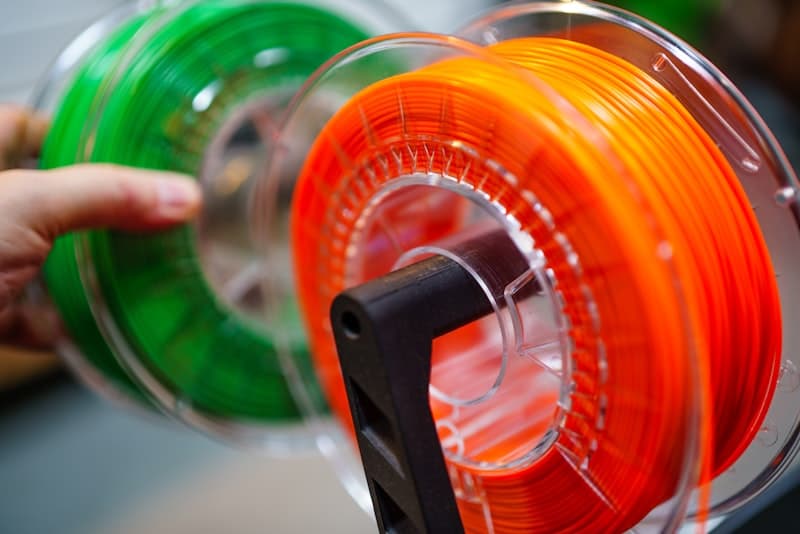
Built by FDM Printing Experts
Our AI optimization engine draws on community-validated settings and expert knowledge across the entire FDM ecosystem — from budget Ender-3s to premium Bambu Lab X1Cs. We know what works for every printer.
- Pressure advance calibration
- Temperature curve optimization
- Retraction fine-tuning
- Flow rate precision
- Multi-brand slicer support
Ready to stop wasting filament?
Unlimited reports for all your printers — just $14.99/mo.
Frequently Asked Questions
Common questions about BambuTune
Which 3D printers do you support?
We support all FDM desktop 3D printers under $5,000 — that's 70+ models across 16+ brands including Bambu Lab (full H-Series: H2S, H2D, H2D Pro, H2C), Creality, Prusa, Elegoo, Anycubic, Qidi Tech, Flashforge, Sovol, and many more. Just tell us your model when you upload.
Will this help with stringing on my printer?
Yes. Stringing is one of the most common issues we optimize for. Our AI analyzes your retraction settings, travel speed, temperature, and pressure advance to give you a stringing-free profile — no matter what printer you use.
I keep getting warping on large prints. Can BambuTune fix that?
Absolutely. We look at your bed temp, first-layer settings, cooling fan curves, and enclosure conditions to recommend changes that eliminate warping — especially for ABS and ASA.
How much filament can I actually save?
Optimized retraction, temperature, and flow settings can significantly reduce filament waste from stringing, failed prints, and over-extrusion. Many users notice the savings within their first few prints.
What about bed adhesion issues?
Poor bed adhesion is usually caused by incorrect Z-offset, first-layer speed, or bed temperature. Our report gives you exact values to try for your specific filament and plate type.
Which slicers are supported?
We work with all major slicers — Bambu Studio, Cura, PrusaSlicer, OrcaSlicer, Creality Print, FlashPrint, and more. Just export your settings or paste them manually.
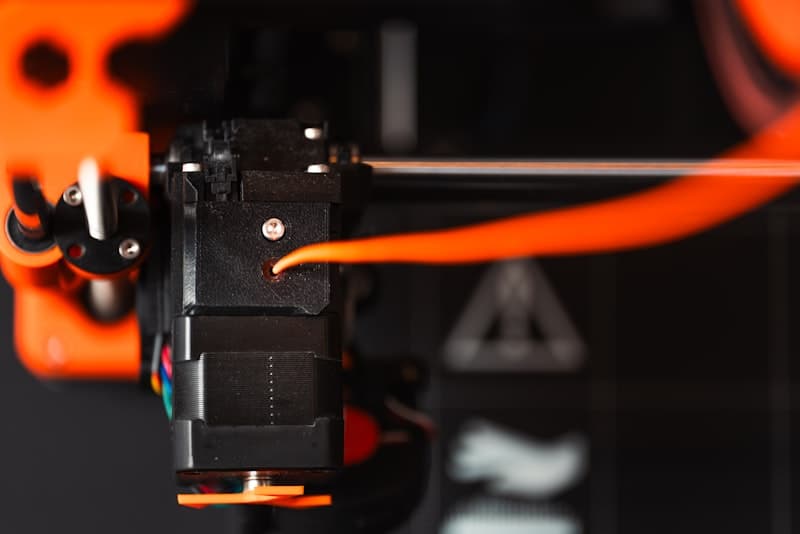
Ready to Print Smarter?
Stop guessing. Let AI optimize your 3D printer settings and start getting perfect prints — no matter what brand you use.
Early Bird pricing — 50% off, locked forever for subscribers.